Ever feel like your smartphone has a mind of its own? It’s not just for calls and messages anymore. In fact, many of its features often fly completely under the radar. Think about it: How much of your phone’s potential are you really tapping into?
Today’s smartphones are more like Swiss Army knives of technology, packed with hidden talents that could make life a whole lot easier. From little-known shortcuts to apps that can transform the mundane into the extraordinary, there’s so much your device can do that you might not even know about. Whether it’s making you more productive, entertaining you in new ways, or helping you stay healthy, your smartphone is more powerful than you think. Get ready to unlock those secrets and discover a new world of possibilities right at your fingertips.
Enhanced Photography Techniques
Smartphones are not just handy for snapping quick selfies or impromptu photos. They have become powerful tools for professional-quality photography right at your fingertips. Whether you are an aspiring photographer or just love capturing life’s moments, these enhanced photography techniques will elevate your smartphone photography skills to new heights.
Manual Camera Controls
Did you know you can take control of your camera settings just like a real photographer? Most modern smartphones come equipped with manual mode, allowing you to fine-tune settings that affect exposure, focus, and ISO.
- Exposure: Adjust exposure to control the amount of light hitting the sensor. This helps in capturing more details in both bright and dark areas.
- Focus: Switch off auto-focus and manually select your focal point. This provides a sharper image, especially in macro photography.
- ISO: Lower ISO settings for brighter environments and higher ISO for low-light conditions.
To access these controls, check if your camera app has a ‘Pro’ or ‘Manual’ mode. For more detailed guidance, you can explore this how-to guide on using manual settings.
Editing Apps
After capturing your shots, the magic continues with editing. Post-capture editing can enhance your photos, giving them a professional touch.
Here’s a list of popular apps to get you started:
- Adobe Lightroom: Widely used for its powerful editing tools and presets. Ideal for both beginners and professionals.
- Snapseed: Developed by Google, this app offers advanced features like selective adjust and brush tools.
- VSCO: Known for its trendy filters and community of photographers.
- Photoshop Express: Provides a wide range of tools for quick and simple edits.
These apps offer both free and premium versions, making professional editing accessible to everyone. If you need more options, check out this list of the best photo editing apps.
Creating Time-Lapse Videos
Creating time-lapse videos can be as simple as setting your phone and letting it capture the changes over time, like clouds drifting by or a bustling street.
- Built-in Features: Many smartphones come with a time-lapse function in the camera app. Simply select it and start recording.
- Third-Party Apps: For more control over speed and intervals, consider using apps like Lapse It or Microsoft Hyperlapse.
To dive deeper into the art of time-lapse photography, explore this comprehensive guide on making time-lapse videos.
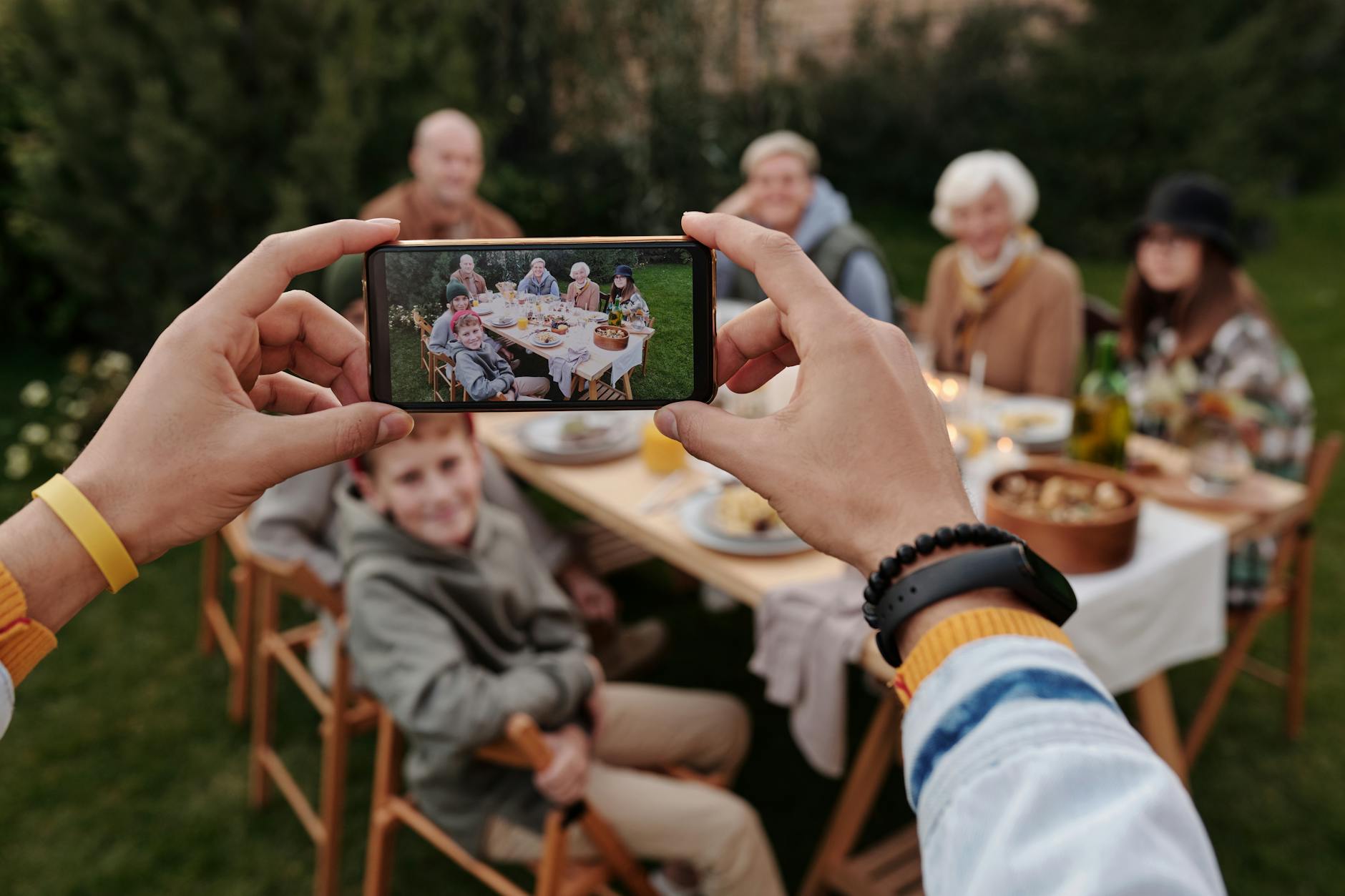
Photo by Askar Abayev
With these techniques, your smartphone will no longer be just a phone—it becomes a creative powerhouse. Turn those everyday moments into extraordinary memories with a tap or swipe!
Productivity Boosters
In today’s fast-paced environment, smartphones have quietly become our personal productivity champions. These handy gadgets can transform mundane moments into achievements with just a few taps or voice commands. From voice assistants that follow your every command to task management apps that organize chaos, let’s explore some tools and features that can make your smartphone a productivity powerhouse.
Voice Commands and Virtual Assistants
 Photo by cottonbro studio
Imagine having a personal assistant who’s always at your beck and call. That’s precisely what virtual assistants like Siri, Google Assistant, or Alexa offer. Use these tools to send messages, set reminders, or find directions without lifting a finger. They turn your spoken words into actions, saving you precious time and effort.
For deeper insights and latest developments on AI assistants, check out WIRED’s exploration of next-gen AI assistants.
Task Management Apps
If your to-do list is spiraling out of control, task management apps can be your lifeline. Todoist and Trello are popular choices that help you keep your projects and tasks in check. These apps let you prioritize tasks, set deadlines, and even collaborate with others seamlessly. Having everything mapped out visually can make tackling that to-do list feel more like a victory.
- Todoist is perfect for those who love simple, efficient task management.
- Trello shines with its customizable boards and user-friendly interface, making it a favorite for team projects.
Learn how to integrate Todoist with Trello for a more streamlined workflow through Todoist and Trello integrations.
Custom Shortcuts
Don’t waste time repeating the same actions every day. Custom shortcuts can automate tasks like sending a text or launching your favorite music app right from your home screen. Whether you’re on an Android device or an iPhone, creating shortcuts for routine actions can transform your smartphone into a more efficient tool.
- On Android, you can set up shortcuts by visiting your settings and tapping on “Text Shortcuts”. Learn more about this process here.
- Apple users can create shortcuts through the Shortcuts app, making daily actions a breeze.
With custom shortcuts, your smartphone won’t just be smart—it’ll be a genius, always at the ready to make your life easier.
Using these productivity boosters, your smartphone can be more than just a device—it becomes a tool that empowers you to achieve more, every single day.
Health and Fitness Tracking
Your smartphone isn’t just for texting and taking photos. It’s a powerful tool that can help you stay fit and healthy. With the right apps, you can track your steps, meditate, and even keep an eye on your diet. Let’s dive into how your smartphone can be your personal health coach.
Step Counters and Activity Tracking

Photo by Andrea Piacquadio
Many smartphones come with built-in health apps that are like having a fitness tracker right in your pocket. Google Fit and Apple Fitness are popular choices, recording everything from daily steps to heart rate.
- Google Fit: Working seamlessly with fitness apps and wearables, it helps you monitor your physical activities more effectively. Check it out here.
- Apple Fitness: Integrated with your iPhone, it lets you track activity trends, awards, and even share fitness goals with your family. Learn more here.
These apps motivate you, help set health goals, and often integrate with wearables like smartwatches, making it easier than ever to stay on top of your fitness.
Meditation and Mindfulness Apps
When it comes to mental health, meditation apps like Headspace and Calm are lifesavers. They’re designed to guide you to a more peaceful state of mind with just a few taps on your screen.
- Headspace: Offers guided meditations that teach you how to breathe, meditate, and live mindfully. It’s like having a calming voice in your pocket.
- Calm: Provides less-structured sessions with ambient soundscapes perfect for unwinding after a hectic day.
Meditation apps are perfect for focusing, calming down, and reducing stress. They’re easy to use and can make a big difference in your mental well-being.
Diet and Nutrition Tracking
What you eat has a big impact on your health, and now you can keep tabs right from your phone. Apps like MyFitnessPal are game-changers for food tracking.
- MyFitnessPal: It’s like having a nutrition coach on hand. Log meals, track calories, and even plan your diet to meet your wellness goals.
- Cronometer: Track your meals and nutrients precisely, with the ability to log up to 84 nutrients and other health metrics. Visit here.
By having these tools, you can make smarter food choices that fit your lifestyle, and work towards a healthier you without guesswork.
Your smartphone is a versatile health companion. Whether you’re aiming to get more active, find peace of mind, or eat better, the tech is at your fingertips.
Home Automation Control
Smartphones have revolutionized the way we interact with our homes. Imagine being able to control your lights, thermostat, and security system all from the palm of your hand. With the right set of apps and a little bit of tech-savvy, you can turn your smartphone into a universal remote for your home. Let’s explore how this can be achieved effectively and effortlessly using smart apps and voice commands.

Photo by Vlada Karpovich
Smart Home Apps
Ever wondered how you can integrate your smartphone with your smart home devices? There are various smart home apps available that integrate seamlessly with devices like lights, thermostats, and security systems:
- Amazon Alexa: Known for its powerful capabilities, Alexa offers unbeatable voice controls for a variety of devices. Discover more about Alexa’s capabilities.
- SmartThings: This app lets you control multiple smart devices through a single interface. It’s ideal if you’ve got gadgets from different brands operating in your home. You can learn more about SmartThings here.
- MyQ Garage & Access Control: If you have smart garage doors or need to control lights remotely, this app could be your perfect match. Check out MyQ’s features.
These apps simplify the process of managing your smart home devices, making your phone a central hub of convenience.
Voice-Controlled Home Systems
If you prefer a hands-free approach, voice-controlled systems allow you to manage your home with simple commands. Imagine walking into a dark room and saying “lights on” to illuminate the space instantly. Here’s how voice controls can elevate your smart home experience:
- Ivee Sleek: Equipped with a microphone that catches commands from up to 15 feet away, Ivee Sleek is perfect for controlling devices even from a distance. Explore more voice control devices.
- Josh.ai: This smart assistant brings intuitive control and intelligent assistance to your home environment. Whether it’s through touch or voice, Josh.ai offers a seamless experience. See how Josh.ai can transform your home.
Voice control offers a unique, convenient way to interact with your home, making everyday tasks easier and more enjoyable.
Embrace the power of your smartphone to manage your home efficiently. This small step can have a big impact on creating a smart, convenient living environment.
Emergency Tools and Features
In our pocket-sized devices, we hold powerful tools that could make a big difference in an emergency. Your smartphone is not just for social media or gaming; it comes packed with features aimed at keeping you safe. Let’s take a look at some emergency functionalities that might just save the day.
SOS Features
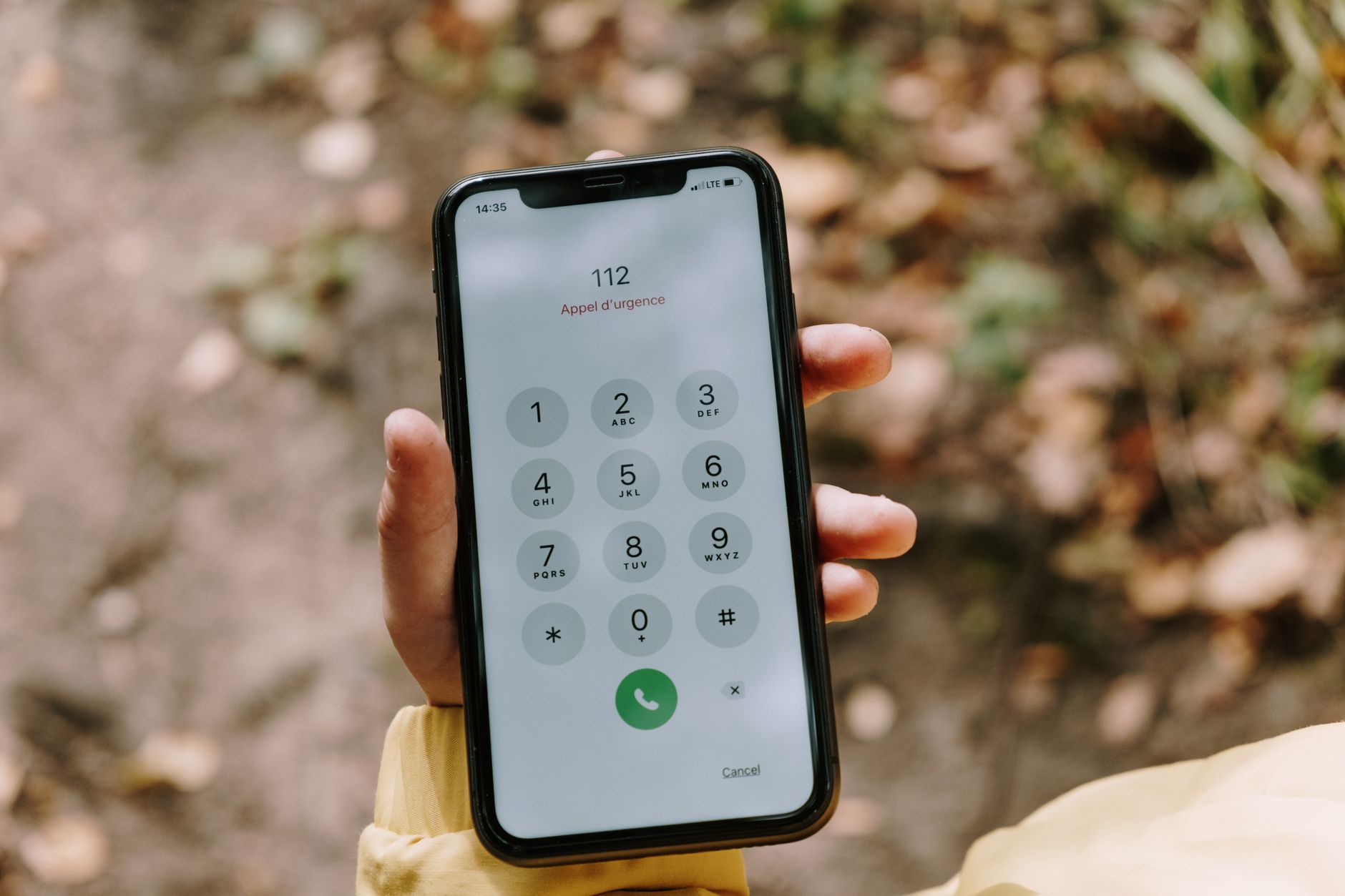
Photo by cottonbro studio
Ever wondered what SOS features your phone has? They are designed to quickly connect you with help. Here’s how you can make the most of them:
- iOS Devices: Press and hold the side button along with one of the volume buttons. This will trigger an Emergency SOS slider. Drag it and your iPhone calls emergency services. You can also enable Auto Call in settings, making it even faster. For more on setting up, you can visit this Apple Support page.
- Android Devices: The setup varies, but generally, you can press the power button multiple times to initiate a call to emergency services. Navigate to the settings to configure these options. More details can be found here at Google’s support page.
In both systems, the feature also shares your location with emergency contacts. It’s smart and straightforward.
Location Sharing
Location sharing is much more than a fun feature; it’s a safety net. By sharing your location with trusted contacts, you can let them know where you are if something goes wrong. It’s like having a digital guardian angel. But be cautious about privacy and choose whom you trust to see your location.
- It keeps your family worry-free knowing where you are.
- It can be a lifesaver during travels.
- Essential for events where losing your way is possible.
Location sharing apps allow for real-time updates. To learn more about its safety benefits, check out this article from Microsoft.
Mobile Payments and Security
Think of your phone as your wallet, only smarter. Mobile payments have grown in popularity because they’re convenient and secure. Here’s how to set them up and keep your transactions safe.
- Setting Up: Download a mobile payment app like Apple Pay or Google Wallet. Follow the setup instructions, which usually involve linking your bank account.
- Security Features: Modern payment apps use multiple layers of security like encryption and tokenization, making the process safer than swiping a card. Password protection and Two-Factor Authentication add extra layers of security to keep your money safe.
For more details on securing your mobile payments, you can visit Verizon’s guide on mobile payment security.
These features are right at your fingertips, adding layers of safety and convenience to your everyday life. Whether it’s knowing help is just a few taps away or making a secure payment, your smartphone is equipped to handle more than you probably imagined.
Conclusion
Your smartphone sits quietly in your pocket, packed with features you probably didn’t imagine. From translating text on the fly to serving as a mobile scanner or even managing smart home devices, these capabilities redefine convenience.
These tips are just the start. Dive deeper, experiment with apps, and push boundaries. The technology is there—use it to enhance your daily life.
Now’s the perfect time to unlock your smartphone’s full potential. Explore its features and see where it can take you. Have insights or favorite tricks? Drop a comment to share or ask questions. Let’s keep the conversation going.